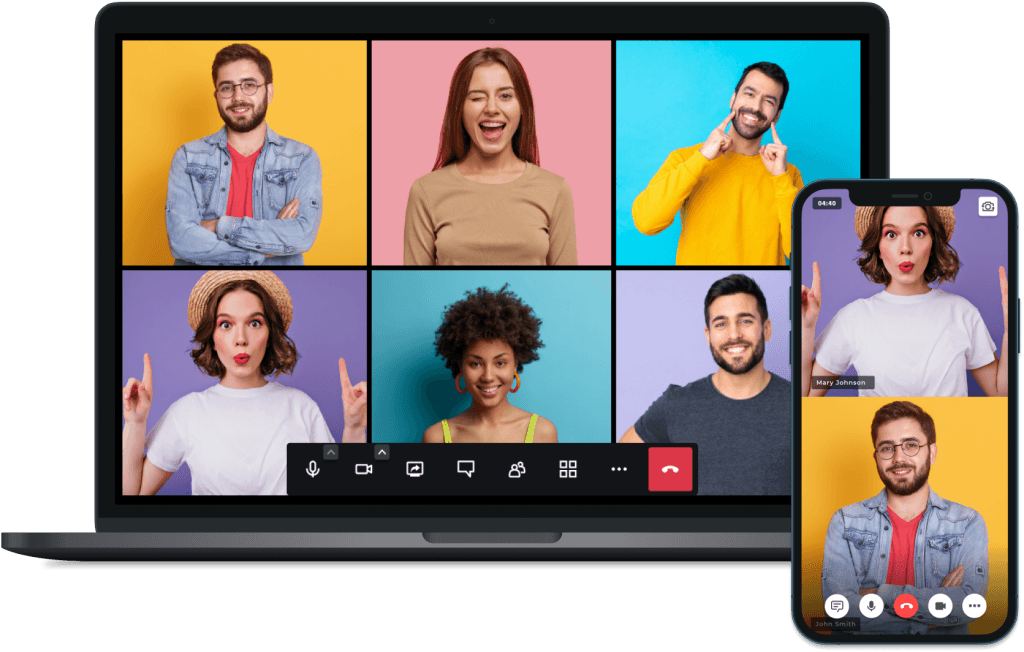
Video conferencing made easy

Communicate and collaborate in any browser.

No installation required. No registration for your clients.

  • Brilliant! Top of Class
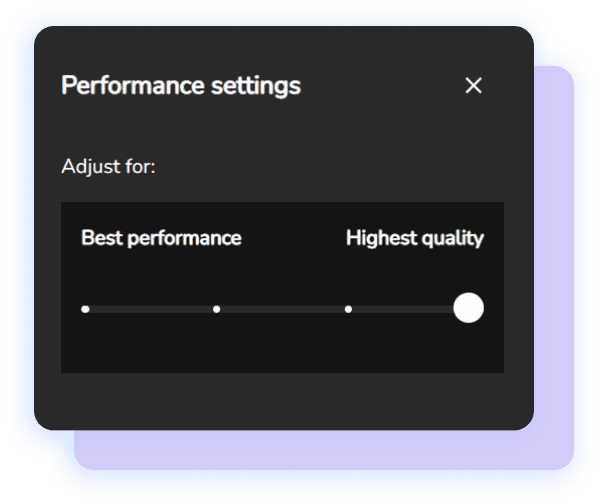
    Once you get under the hood, it becomes clear that this is A+ software. It's been extremely well thought out and the functionality and UI is excellent. The performance in terms of calls also beats Zoom and Google Meet by far. You are also given the ability to upgrade or downgrade the quality of the call from HD to audio only. Everything is simple to set up and makes total sense, even for the most ardent technophobe.
    Anthony Alleyne
    AnthonyFounder, Born Wild
  • Brilliant! Top of Class
    Once you get under the hood, it becomes clear that this is A+ software. It's been extremely well thought out and the functionality and UI is excellent. The performance in terms of calls also beats Zoom and Google Meet by far. You are also given the ability to upgrade or downgrade the quality of the call from HD to audio only. Everything is simple to set up and makes total sense, even for the most ardent technophobe.
    Anthony Alleyne
    AnthonyFounder, Born Wild
Meet оnline in Full HD​

Meet and collaborate no matter where you are.

Stay connected with up to 100 people in Full HD.

Host an unlimited number of video calls with no restrictions on meeting length.

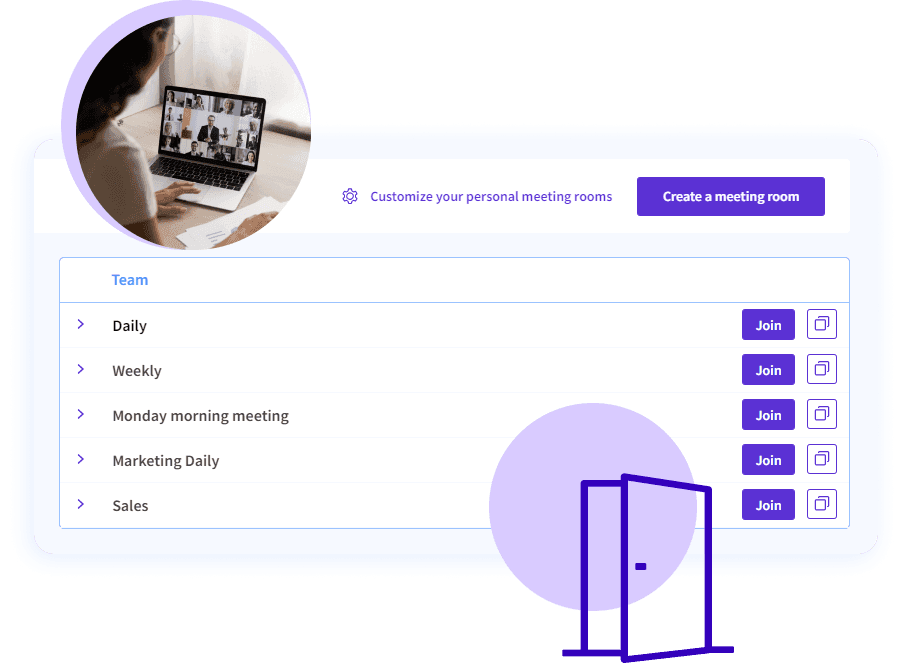
Empower teamwork in shared team meeting rooms

Bring your team together with a video conferencing solution that lets everyone be seen and heard all around the world.

Create team meeting rooms that best fit your needs – quick meetings, daily standups, or weekly catch-ups. You name it!

Forget about the ‘where’s the link to the meeting’ situations. With team meeting rooms, your team will always know where to join!

Team meeting rooms list with Join buttons, beside a woman in a group video call on her laptop
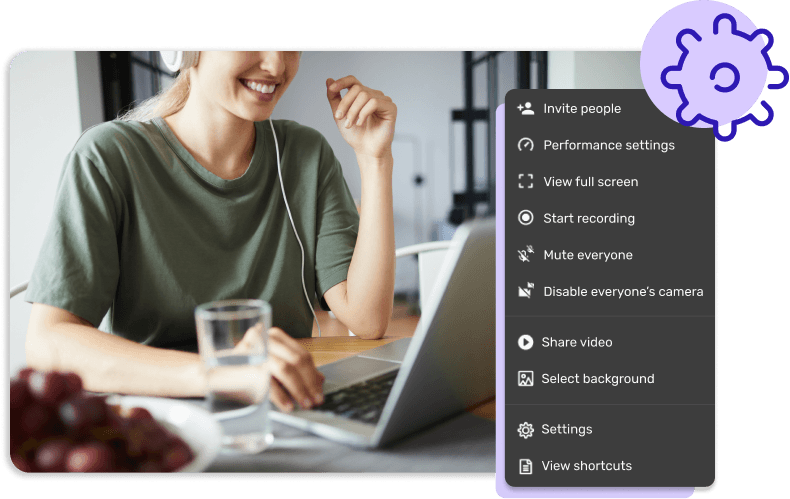
In-call settings menu with recording, mute everyone and background options, beside a woman at her laptop

Improve flexibility with shared moderation

Sometimes a team member cannot make it to a meeting. This doesn’t mean the meeting should not take place.

Anyone can substitute anyone else in any client-facing situation.

With 3veta, all team members are automatically moderators to any meeting created within the team.


Customize your video calls

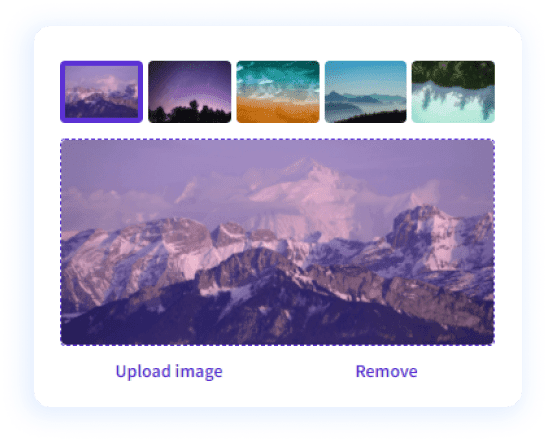
Background picker with five landscape images, Upload image and Remove

Virtual background

Personalize your background. Choose an image from our gallery or simply upload one.
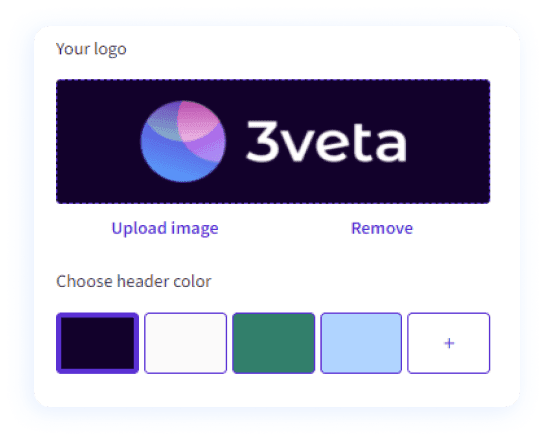
Logo upload with the 3veta logo and a header color picker

Logo and brand colors

Build trust and run your video meetings under your name. Add your logo and brand colors.

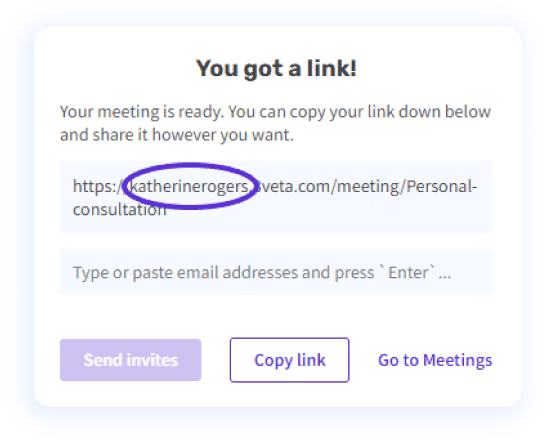
You got a link! dialog with a personal meeting link and options to send invites or copy the link

Custom domain

Underline your credibility. Personalize your video call links with a custom domain name.

Capture your meetings for future reference with cloud recordings

Access your meetings even after they’ve ended.

Record, download, and share your video calls at the push of a button.

Store your records locally or to your preferred cloud platform.

Revisit anytime, from anywhere.

Woman recording herself on camera at her desk, with a REC label and a cloud check icon
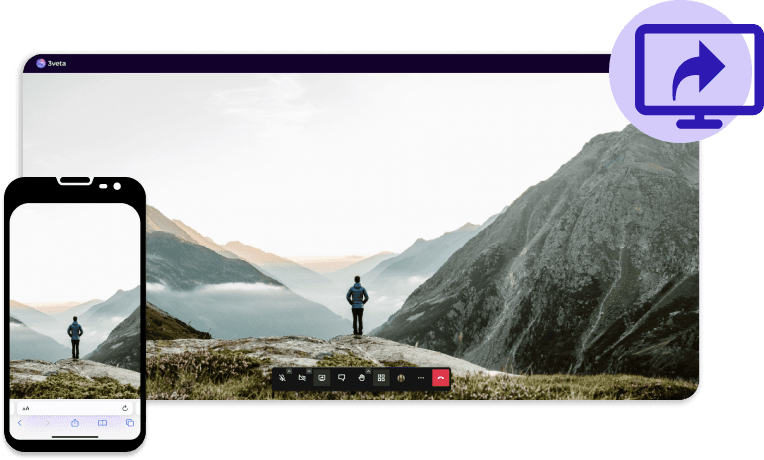
Screen shared in a 3veta call on a desktop and a phone, showing a hiker before mountains

Crystal clear screen share on all devices

Share your screen during a video call and communicate complex ideas easily.

Collaborate on desktop, tablet, or mobile. In browser or through an app – it works everywhere!

Show your entire screen or choose exactly what you want to share – files and presentations, YouTube videos, or other media.

You have full control over what and when you share.

Enhance your meetings with our video conferencing add-ons

Streaming

Stream your video calls, or workshops live on YouTube or any other RTMP streaming software.

Transcriptions

Automatically transcribe your video calls and keep a record of important meeting moments.

Cloud recordings

Save your video call recordings locally or in the cloud (you decide!) and share them with anyone.

Engagement

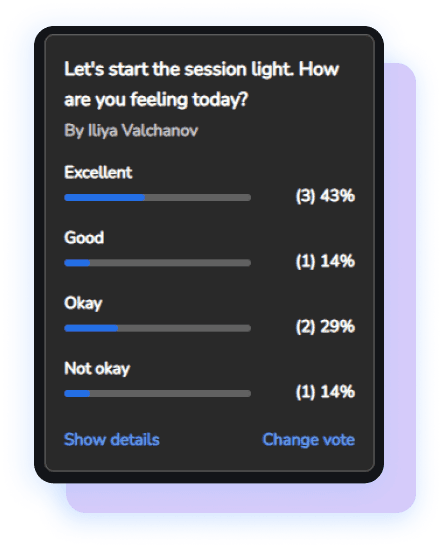
In-call poll asking how participants feel today, with results per answer

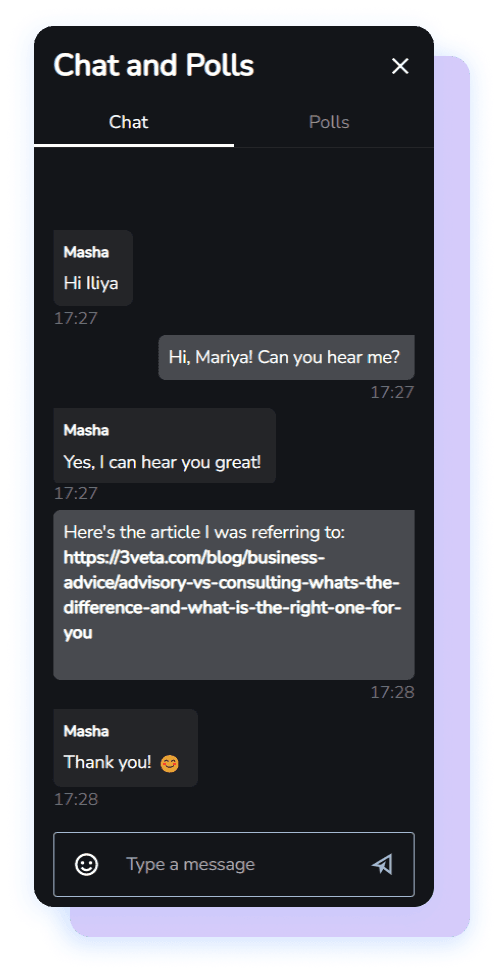
Polls in video call

Polls are a great way to make any session more interactive.

No matter if you want to start the session with a quick poll or you need to quiz your participants, a poll will definitely grab the attention of everyone.

Easily host all types of video events

Woman with earphones and a mug smiling during a one-to-one video call

1:1 meetings

Get in touch via a top-notch video conferencing platform. Share your calendar availability and schedule internal and external 1-to-1s. 

Group video call with six participants under a company logo on a laptop

Team meetings

Have your entire team on a video call. No matter if a one-off meeting or a regular meeting room, meet with up to 100 people at the same time.

Woman cooking at a table while filming herself with a phone on a ring light

Workshops and Webinars

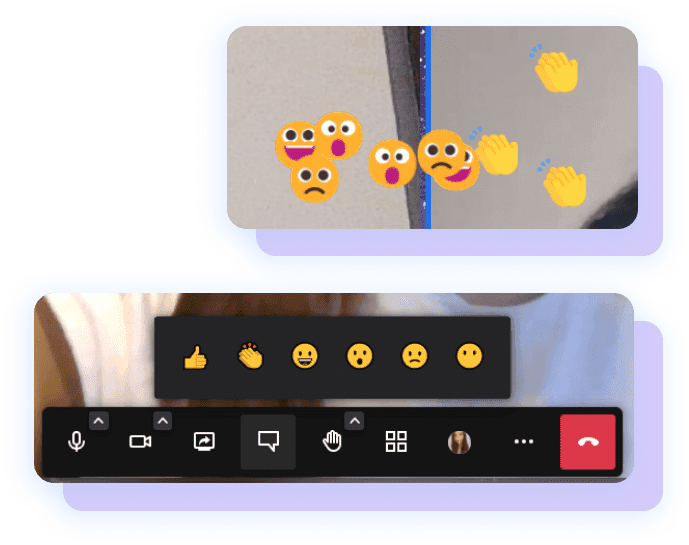
Host successful workshops and webinars with reactions and polls. Strip away distractions by forcing everyone to follow your camera.

Hassle-free meeting setup

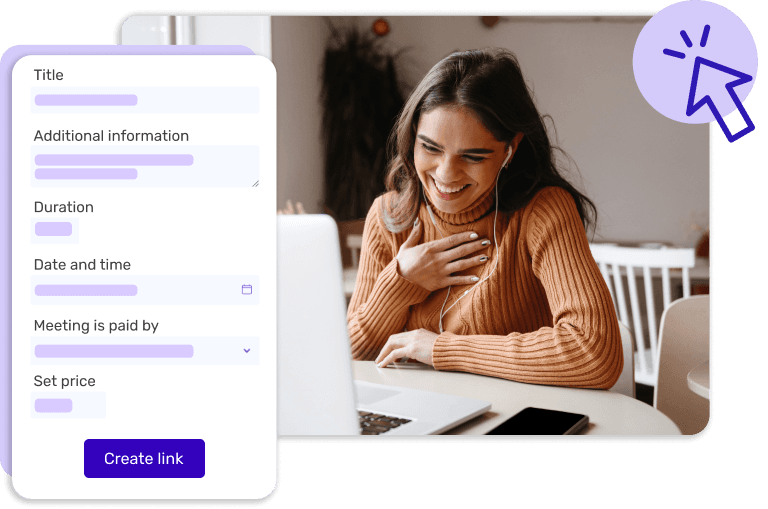
Set up your first video call in no time.

Our intuitive interface lets you quickly set up and jump into a meeting.

Not the impulsive type? Then schedule it ahead of time and add it to your calendar.

Meeting form with title, duration, date, payment and price, beside a woman laughing at her laptop

Sync all your meetings

2-way calendar sync

Sync all your calendars and never worry about your personal appointments clashing with your business meetings.

All popular calendars

Use your favorite calendars. Sync with Google, Outlook, or iCloud and get an instant overview of your schedule.

Multiple calendar sync

See your availability in real-time across all your calendars with our intelligent cross-platform integration.

Doctor using a tablet, with a shield and check mark icon

Safe and secure

We work hard to protect your privacy and safety.

Our security features provide advanced measures so you can meet and collaborate securely.

  • GDPR compliance
  • SSL encryption
  • Bank-level security

Connect 3veta to the tools you already use

Our world class support is here for you

From setting up your account to integrating and automating your processes – we’re here for you every step of the way.

Our customer support team is truly outstanding and ready to tackle any issue you might face.

Meet on all devices

https___app.unbounce.com_publish_assets_5365f644-9dea-432b-a7b3-a051db94be58_31e403fe-download-on-the-app-store-1_104m01j000000000000028
https___app.unbounce.com_publish_assets_78c1dcfd-0d45-4ddc-bd84-6d1c8da6301a_7d6b125b-google-play_105a01k000000000000028
Download the 3veta app on the App Store
Get the 3veta app on Google Play

Join any meeting directly from your phone

Mobile video meetings have never been so simple

Keep your clients in a waiting room until you admit them

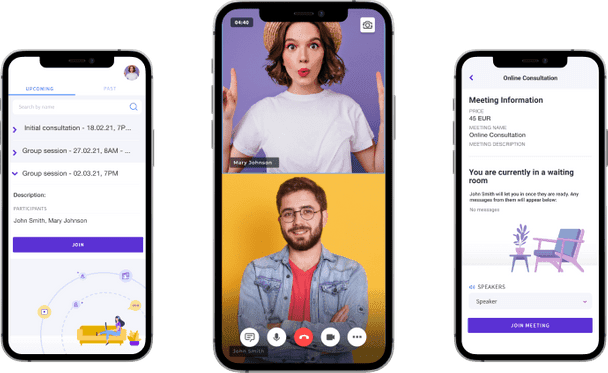
3veta mobile app on three phones: upcoming meetings, a two-person video call and a waiting room